Control PC
The lab's control PC is a Windows 11 desktop that runs the control software, the data acquisition, and a WSL2 sidecar for shell-side scripting. It is the same machine that hosts this repository's working copy.
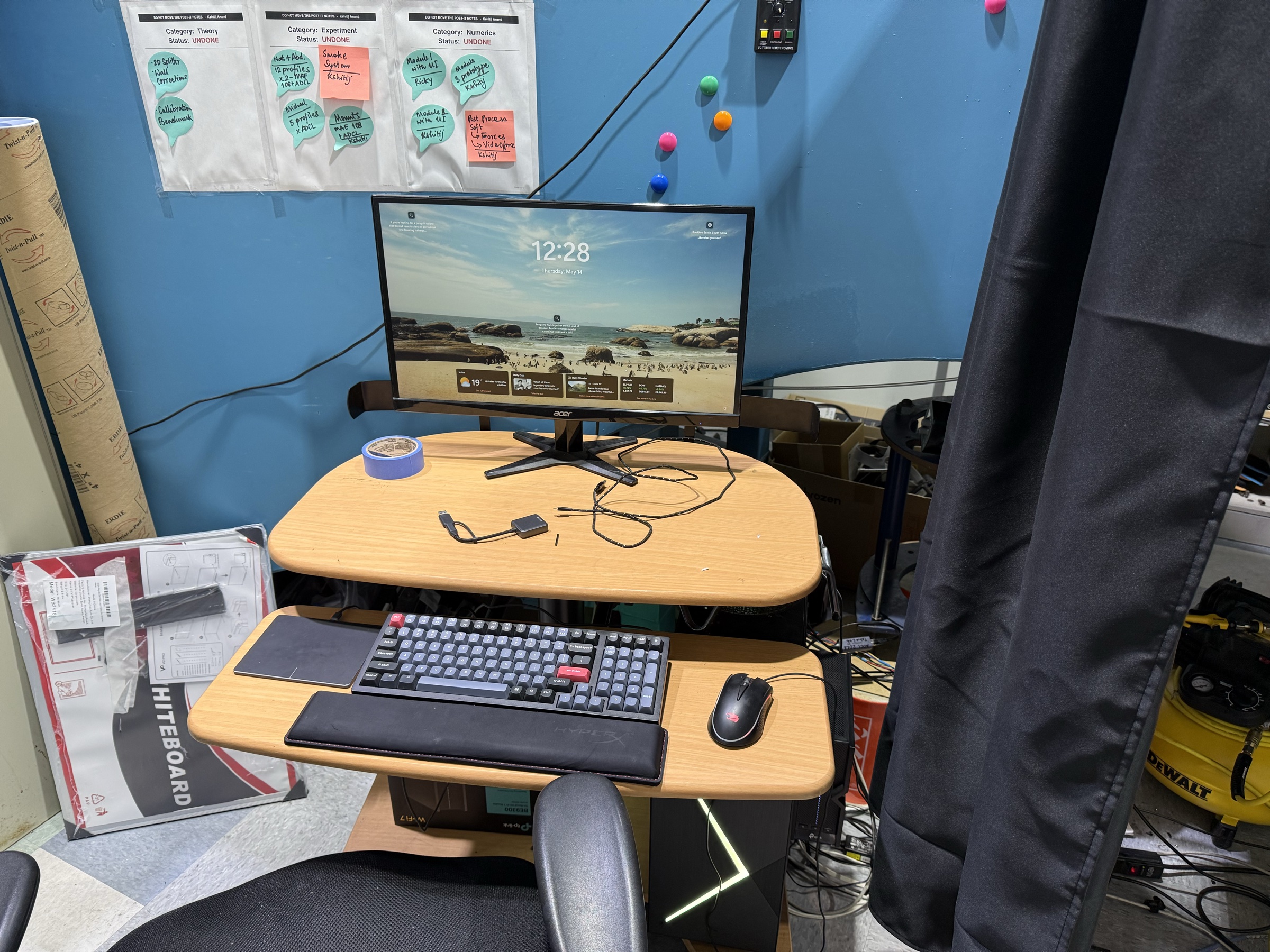
Operating system layout
| Layer | Role |
|---|---|
| Windows 11 (host) | Runs the control software, the NI-DAQmx driver, the USB-to-Ethernet adapter for the VFD network. |
| WSL2 (Ubuntu) | The shell of choice for repository work — git, editor, file management, MkDocs builds. WSL2 cannot directly drive the USB Ethernet adapter; PowerShell scripts that talk to the VFD must be invoked from the Windows side. |
| NI-DAQmx Runtime | National Instruments user-mode driver for the cDAQ chassis. Required for ADCL WinSoft's real-DAQ mode; without it the application falls back to a simulated DAQ. |
Network adapters
The PC has at least two Ethernet interfaces:
| Interface | Address | Purpose |
|---|---|---|
| Built-in Ethernet | DHCP from campus | Internet, campus services. |
| Ethernet 4 (USB) | static 192.168.50.100/24 |
VFD private network. |
The USB-to-Ethernet adapter is a Realtek 2.5 GbE part. Its MAC is 6C:1F:F7:C3:96:59; identifying by MAC is more reliable than identifying by index when Windows renumbers the adapters after a reboot.
If Ethernet 4 loses its static IP, the symptom is that the control software cannot reach the drive at 192.168.50.10. The fix is to re-assert the static address either through Windows network settings or via the connection helper script in code/wind_tunnel_control/.
Software footprint
The PC carries three control-software stacks at the time of writing. Only one of them is intended to remain after the AeroWare retirement.
ADCL WinSoft (current, long-term)
- Install path:
E:\Wind_tunnel\ADCLWinSoft\ADCL WinSoft.exe - Data path:
E:\Wind_tunnel\ADCLWinSoft\Data\YYYY-MM-DD\ - Config path:
%APPDATA%\AeroLab\ADCLWinSoft\settings.json - Admin password hash:
%APPDATA%\AeroLab\ADCLWinSoft\admin.hash(Argon2id) - Build environment (dev): Python 3.12 venv at
C:\Users\kshit\.venvs\adcl_winsoft\ - Source repo: this repository, at
code/adcl_winsoft/. Full overview in Software → ADCL WinSoft.
WindTunnelControl.ps1 (fallback)
- Deployment path:
E:\Wind_tunnel\AeroWare\WindTunnelControl.ps1(alongside the legacy AeroWare install for convenience). - Source:
code/wind_tunnel_control/WindTunnelControl.ps1. - Use when: ADCL WinSoft is unavailable, or for quick manual verification of the VFD path. Full overview in Software → WindTunnelControl.ps1.
AeroWare (legacy, being retired)
- Install path:
E:\Wind_tunnel\AeroWare\AeroWare.exe - Config path:
E:\Wind_tunnel\AeroWare\(multiple.inifiles, see AeroWare install layout note) - Status: The VFD-control path is broken in place — AeroWare writes to a stale IP (
192.168.1.1) and never falls back. The DAQ path still works. AeroWare can be retired once ADCL WinSoft has covered the DAQ + calibration workflows that AeroWare currently handles. See Operations → Start via AeroWare (legacy).
Repository placement on the PC
The repository is cloned into the WSL2 home (~/wind_tunnel_maintenance/) for editing, and the code/adcl_winsoft/deploy/install_dev.cmd helper syncs source into the Windows venv via xcopy when needed. The reason for the copy step rather than pip install -e . over the WSL UNC share is that the share is slow and pip install -e over it is unreliable — see the PyInstaller quirks note.
Data layout
| What | Where | Created by |
|---|---|---|
| Live experiment CSVs | E:\Wind_tunnel\ADCLWinSoft\Data\YYYY-MM-DD\DDMMYY HHMMSS.fff<tag>.csv |
ADCL WinSoft |
| Legacy AeroWare CSVs | E:\Wind_tunnel\AeroWare\Data_and_others\ |
AeroWare |
| PGB sting calibration matrices | E:\Wind_tunnel\AeroWare\Configs\N_C1_inv*.csv |
Loaded by both AeroWare and ADCL WinSoft |
| Milestone captures (pcap, sweeps) | this repository under WT_MS_<n>/captures/ |
Manual |